S1-A Evaluation Kit

From $1,400.00 USD
Shipping fees will be calculated at checkout.
Package
Now available for pre-order | Select a package to view the price and place your order.
  • CE marked · IP54 rated

  • Worldwide shipping included

  • 90-day limited warranty

  • Secure payments

Purchase quantity limits apply.
For volume orders, please contact info@spectricity.com.
Purchase quantity limits apply.
For volume orders, please contact info@spectricity.com.
Package Hardware Software Setup Specifications Applications

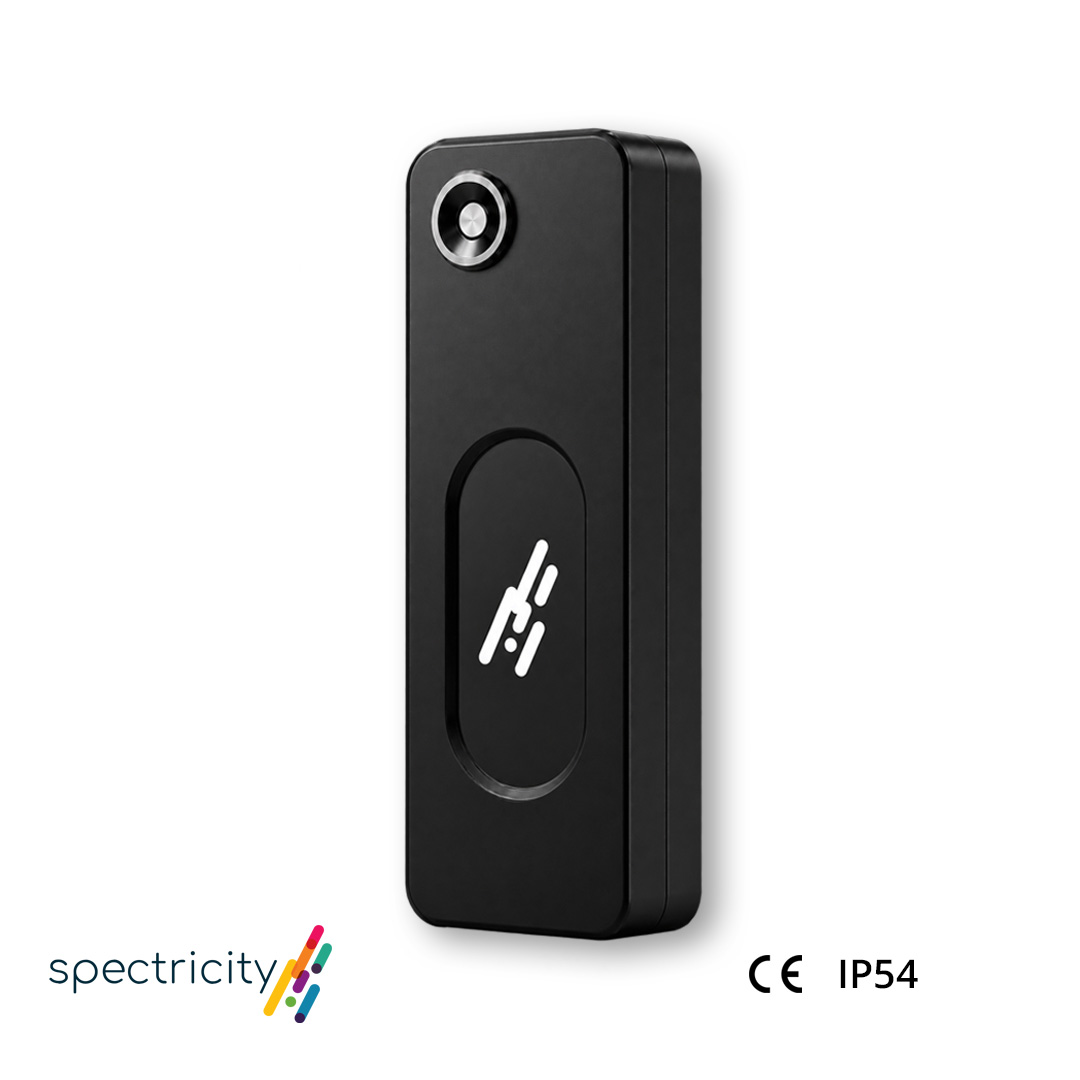
S1-A Evaluation Kit

15-Channel Snapshot MSI | Plug-and-Play USB-C | Ready for Application Development
15-Channel Snapshot MSI
Plug-and-Play USB-C
Ready for Application Development

──

──

Spectral imaging in a single snapshot

The integrated S1 sensor captures 15 spectral channels across 400–700 nm without mechanical scanning.

Bring multispectral imaging to mobile and desktop platforms

The compact S1-A connects to compatible Android devices and computers via USB-C for plug-and-play spectral image capture and application development.

Combine spatial and spectral information

Use S1-A alongside the host device’s RGB camera to capture RGB and multispectral images simultaneously.

Move quickly from capture to development
Use the Android capture app for intuitive image acquisition or the Python SDK to build and evaluate custom applications.
Package Options
Package Options
 
Discover Package
Developer Package

Hardware

S1-A

✔️

✔️

Magnetic Mounting Fixtures

✔️

✔️

USB-C Cable

✔️

✔️

Tablet (Xiaomi Pad 8 Pro)

–

✔️

Software

Capture App (Android / Windows / macOS)

✔️

✔️

Python SDK (Windows / macOS / Linux)

✔️

✔️

Android SDK (supporting Flutter + Kotlin / Java)

–

✔️

AWB App (Global / Local / Portrait)

–

✔️

Biomarkers App*

–

✔️
 
Discover
Package
Developer
Package

Hardware

S1-A

✔️

✔️

Magnetic Mounting Fixtures

✔️

✔️

USB-C Cable

✔️

✔️

Tablet
(Xiaomi Pad 8 Pro)

–

✔️

 Software

Capture App
(Android / Windows / macOS)

✔️

✔️

Python SDK
(Windows / macOS / Linux)

✔️

✔️

Android SDK
(supporting Flutter + Kotlin / Java)

–

✔️

AWB App
(Global / Local / Portrait)

–

✔️

Biomarkers App*

–

✔️
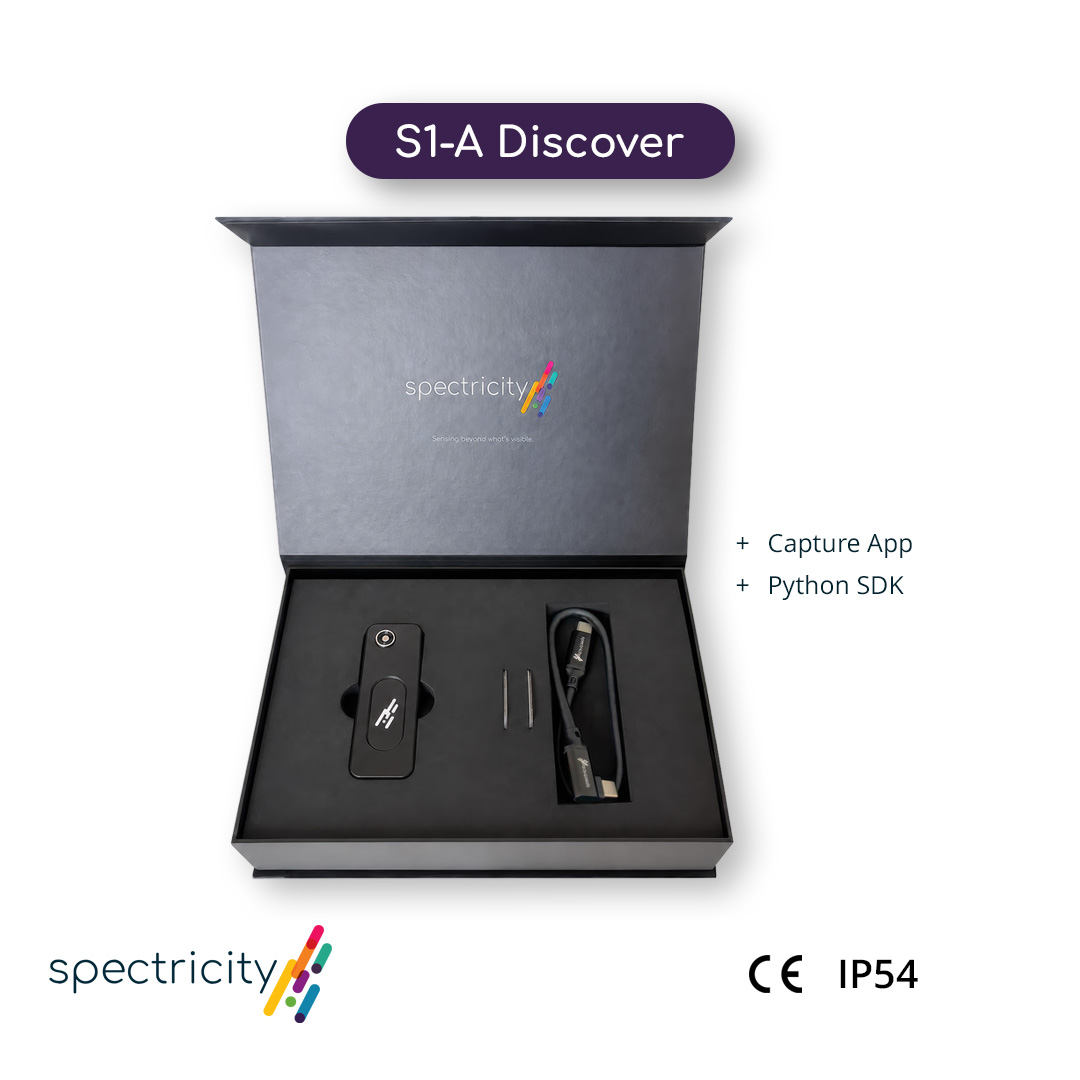
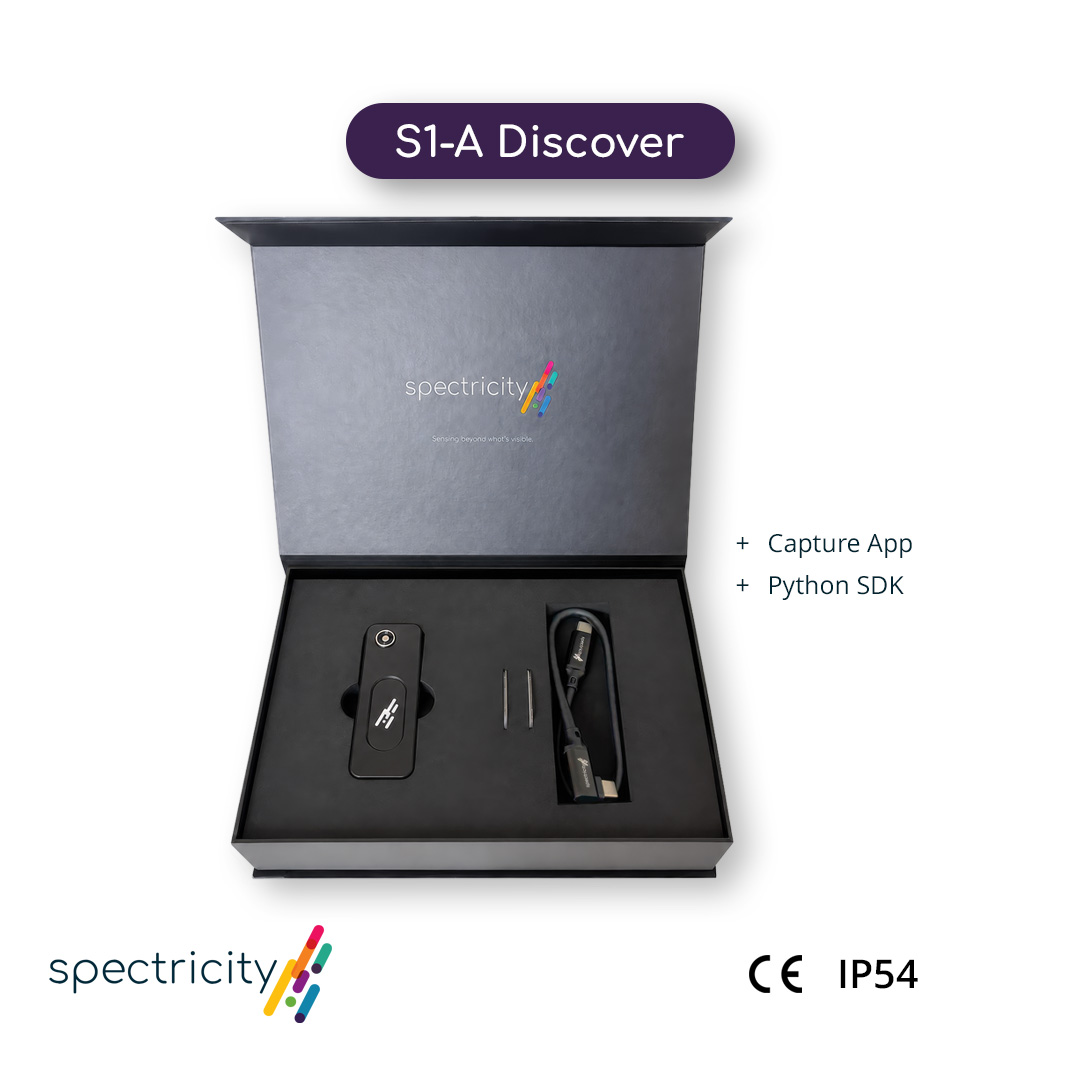
  • Choose the Discover Package for initial evaluation and data acquisition using your own compatible Android device or computer.
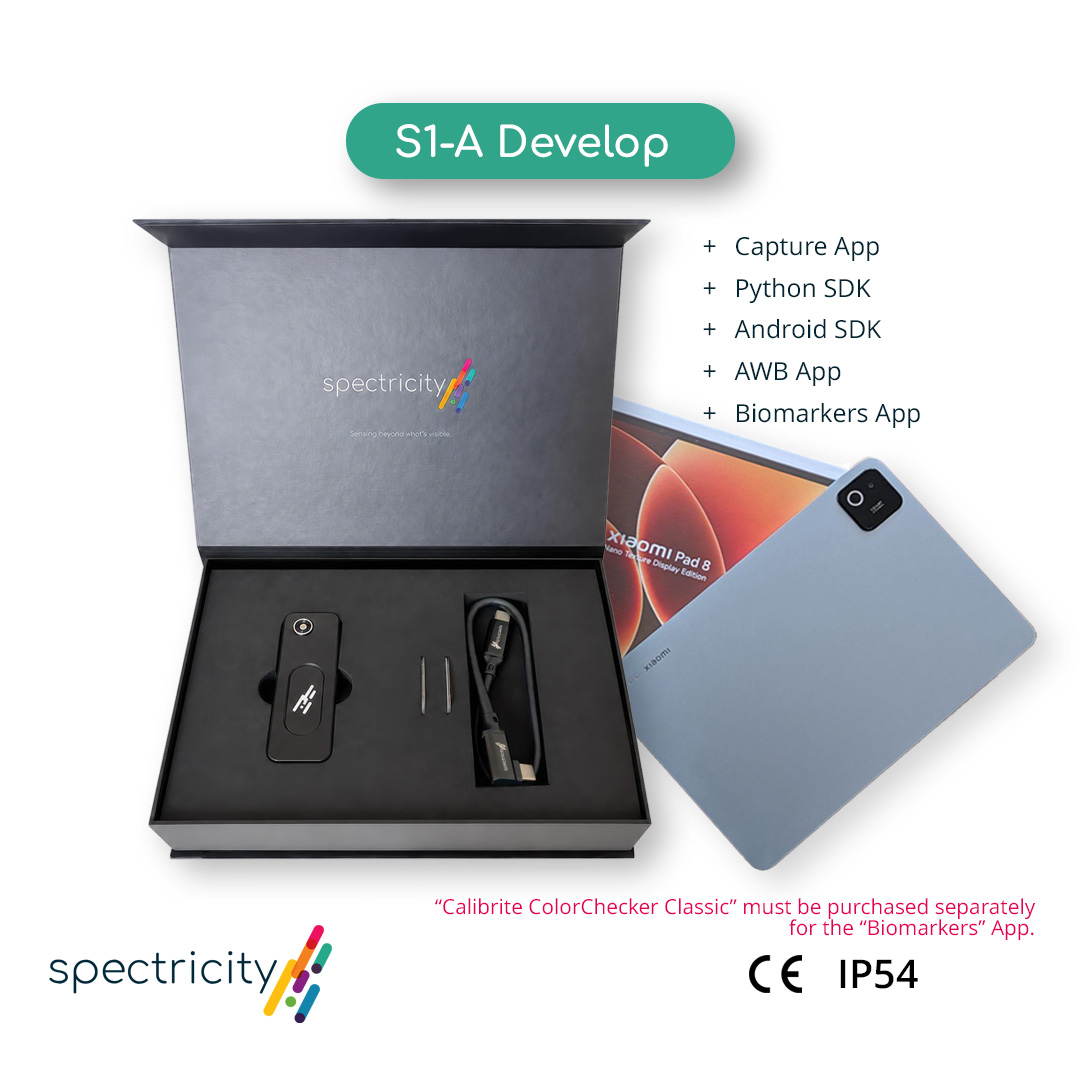
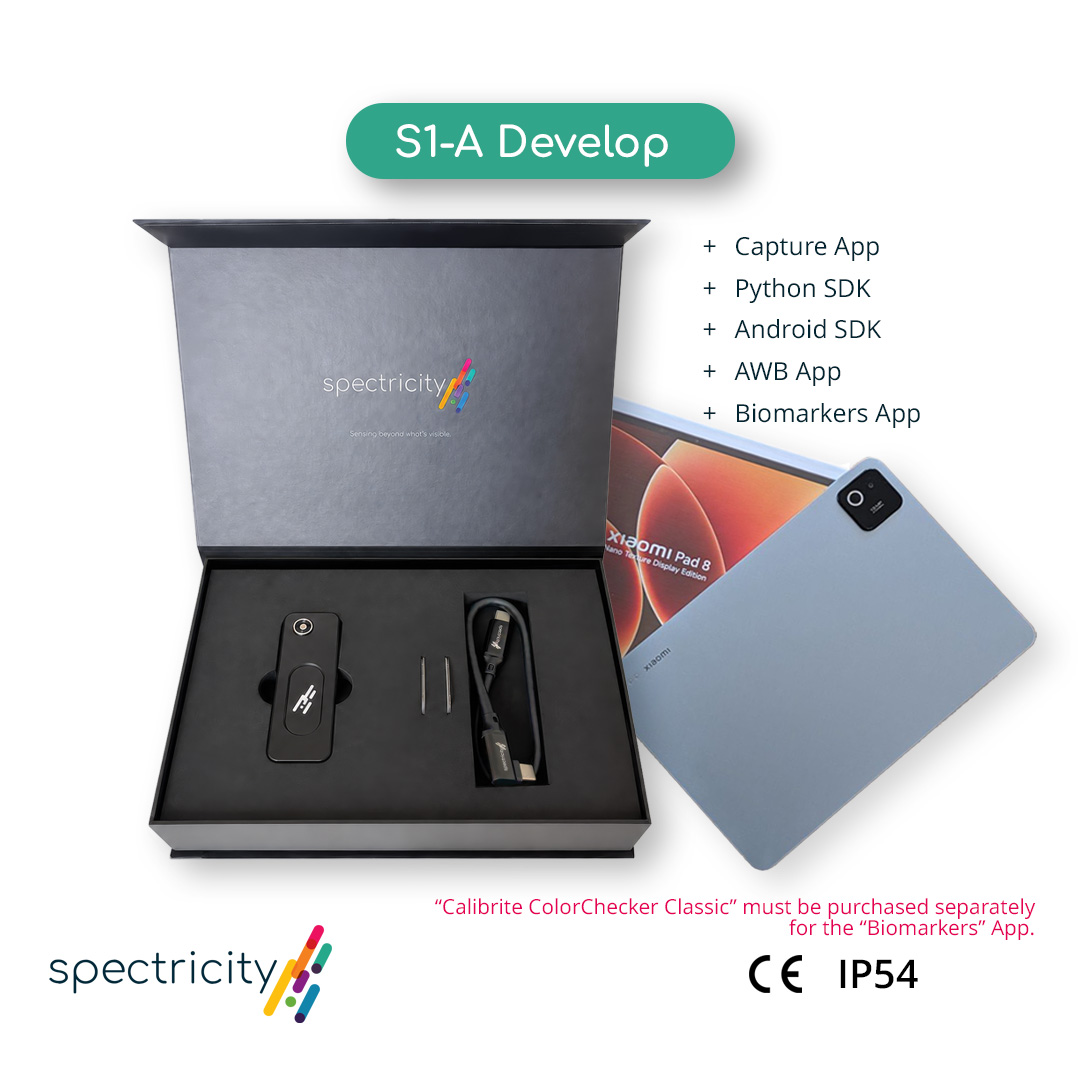
  • Choose the Developer Package for a complete mobile development setup, including a compatible tablet, Mobile SDK and PoC applications.
*The Biomarkers App requires a Calibrite ColorChecker Classic, which is not included in the S1-A Develop Package and must be purchased separately.
  • Choose the Discover Package for initial evaluation and data acquisition using your own compatible Android device or computer.
  • Choose the Developer Package for a complete mobile development setup, including a compatible tablet, Mobile SDK and PoC applications.
*The Biomarkers App requires a Calibrite ColorChecker Classic, which is not included in the S1-A Develop Package and must be purchased separately.

──

──

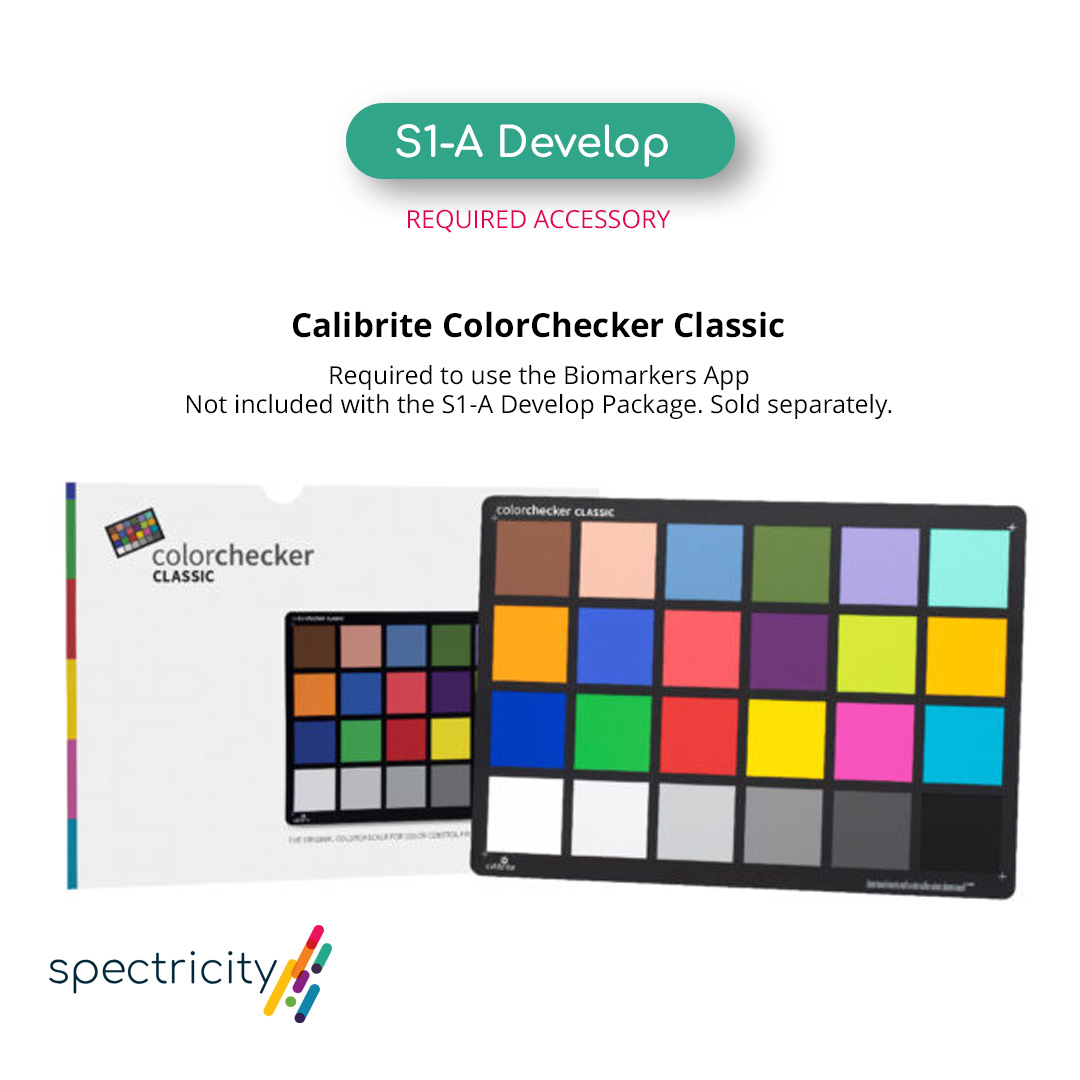
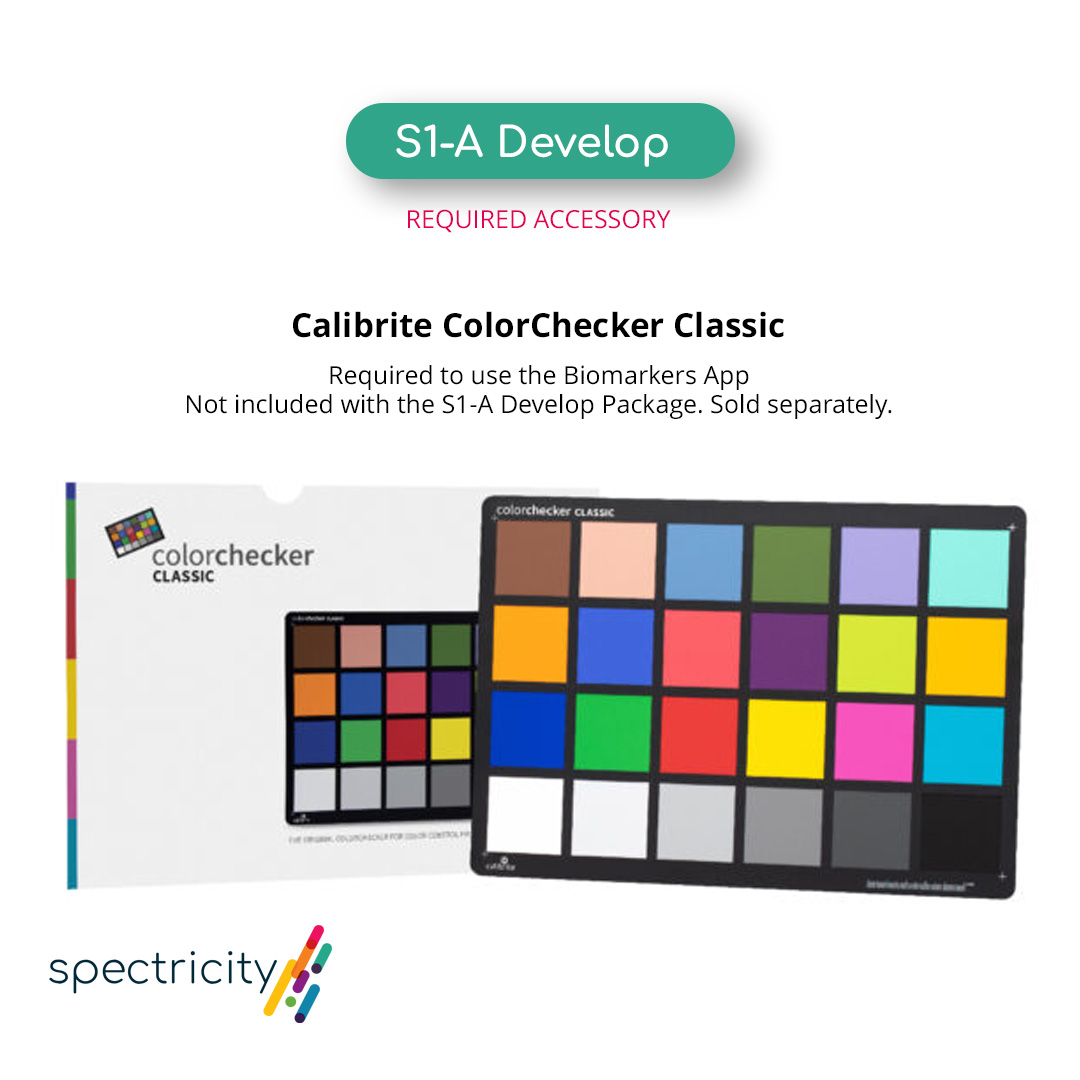
Calibrite ColorChecker Classic

(*Required for the Biomarkers App)

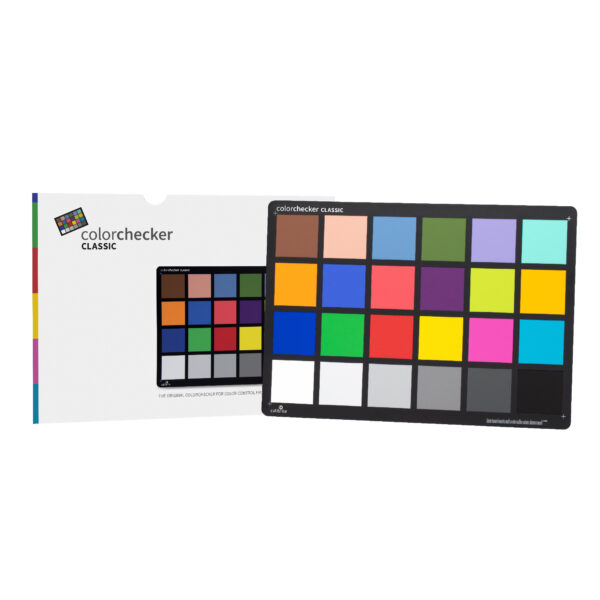
A Calibrite ColorChecker Classic is required to use the Biomarkers App included in the S1-A Develop Package. It is not included with the package and must be purchased separately.

Calibrite ColorChecker Classic

(*Required for the Biomarkers App)

A Calibrite ColorChecker Classic is required to use the Biomarkers App included in the S1-A Develop Package. It is not included with the package and must be purchased separately.

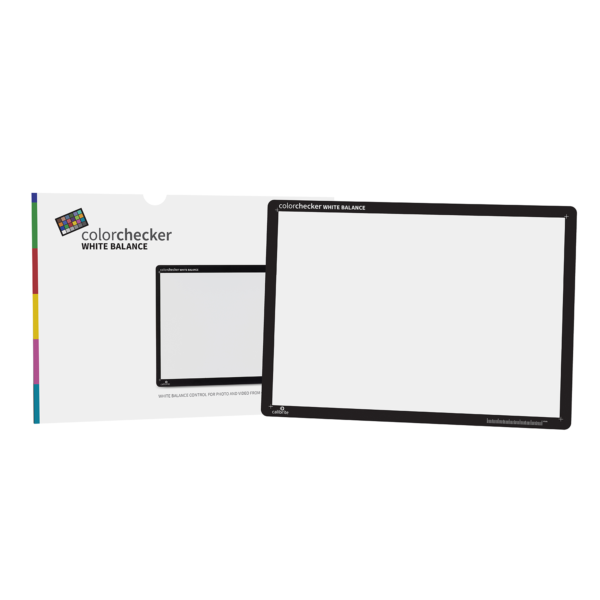
Calibrite ColorChecker White Balance

(Optional for the Capture App)

The Calibrite ColorChecker White Balance can be used with the Capture App. It is optional and not required.

Calibrite ColorChecker White Balance

(Optional for the Capture App)

The Calibrite ColorChecker White Balance can be used with the Capture App. It is optional and not required.

Hardware Overview
Hardware Overview
 Component
Function

 S1-M Camera Module

Captures 15-channel snapshot multispectral images across the 400–700 nm spectral range.

 MIPI-to-USB Interface

Transfers image data from the S1-M Camera Module to the connected host device through USB.

 Magnetic Mounting

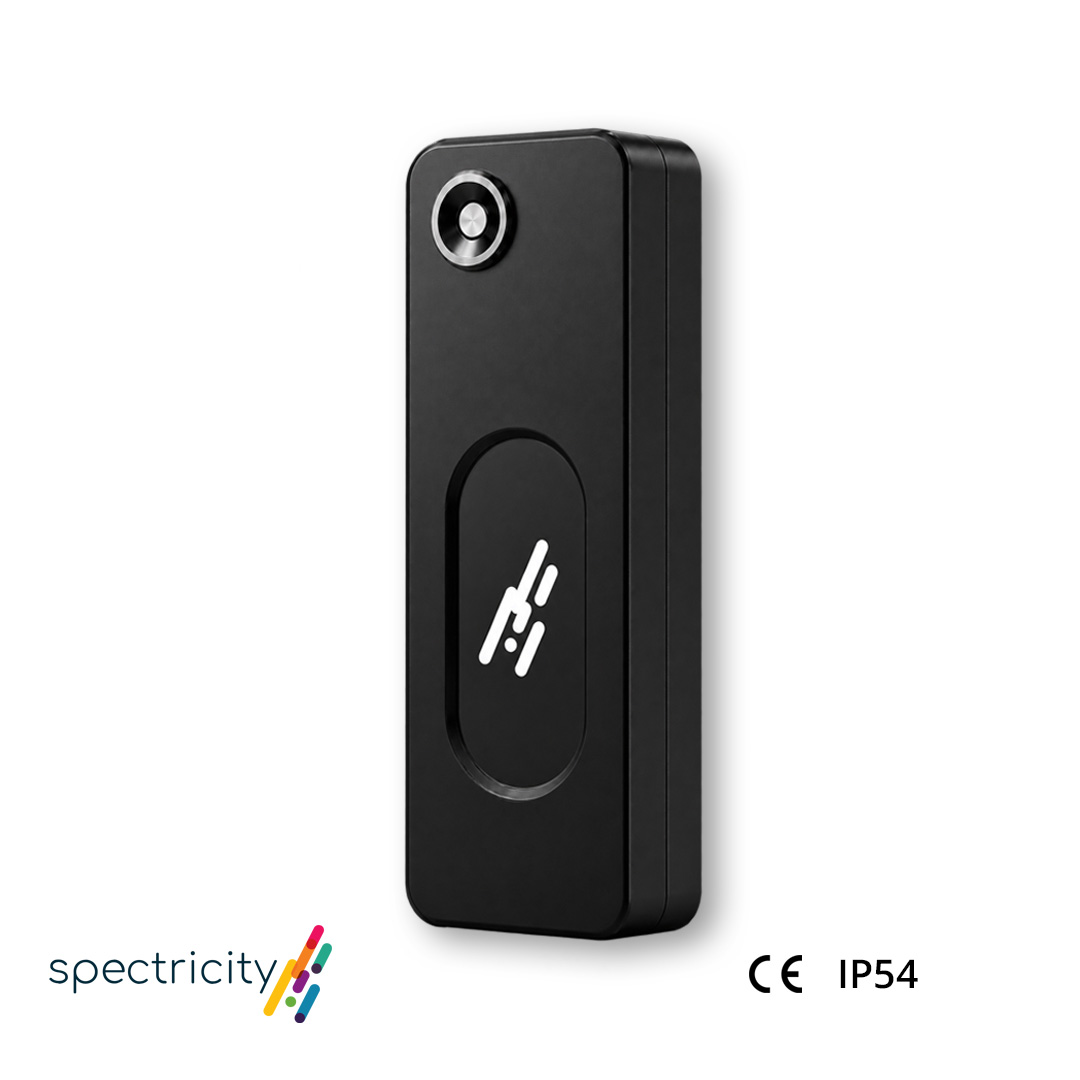
Built-in magnets pair with the included metal mounting plate for flexible positioning during evaluation and data collection.

 USB-C Connection

Connects S1-A to a compatible host device for data acquisition and device control using the included USB 3.2 Gen 2×2 Type-C cable, rated for up to 20 Gbps.

 Component
Function

S1-M Camera Module

Captures 15-channel snapshot multispectral images across the 400–700 nm spectral range.

MIPI-to-USB Interface

Transfers image data from the S1-M Camera Module to the connected host device through USB.

Magnetic Mounting

Built-in magnets pair with the included metal mounting plate for flexible positioning during evaluation and data collection.

USB-C Connection

Connects S1-A to a compatible host device for data acquisition and device control using the included USB 3.2 Gen 2×2 Type-C cable, rated for up to 20 Gbps.

Software & Image Pipeline
Software
Tool
Platform
Primary Purpose
Key Capabilities

Capture App

Android, Windows,macOS

Provides a visual interface for controlling S1-A, collecting image data and doing simple data acquisition.

Device control; image preview and capture; image storage or export

Python SDK

Windows/macOS/Linux

Enables programmatic image acquisition and custom application development.

Single-frame capture; HDR frame capture; live streaming

Android SDK

Android, supporting Flutter and Kotlin/Java

Enables S1-A integration into custom Android applications.

Device connection; image acquisition; access to MSI data

Software
Tool
Platform
Primary
Purpose
Key Capabilities

Capture App

Android, Windows,
macOS

Provides a visual interface for controlling S1-A, collecting image data and doing simple data acquisition.

Device control; image preview and capture; image storage or export

Python SDK

Windows/macOS/
Linux

Enables programmatic image acquisition and custom application development.

Single-frame capture; HDR frame capture; live streaming

Android SDK

Android, supporting Flutter and Kotlin/Java

Enables S1-A integration into custom Android applications.

Device connection; image acquisition; access to MSI data

S1-A Image and Data Flow

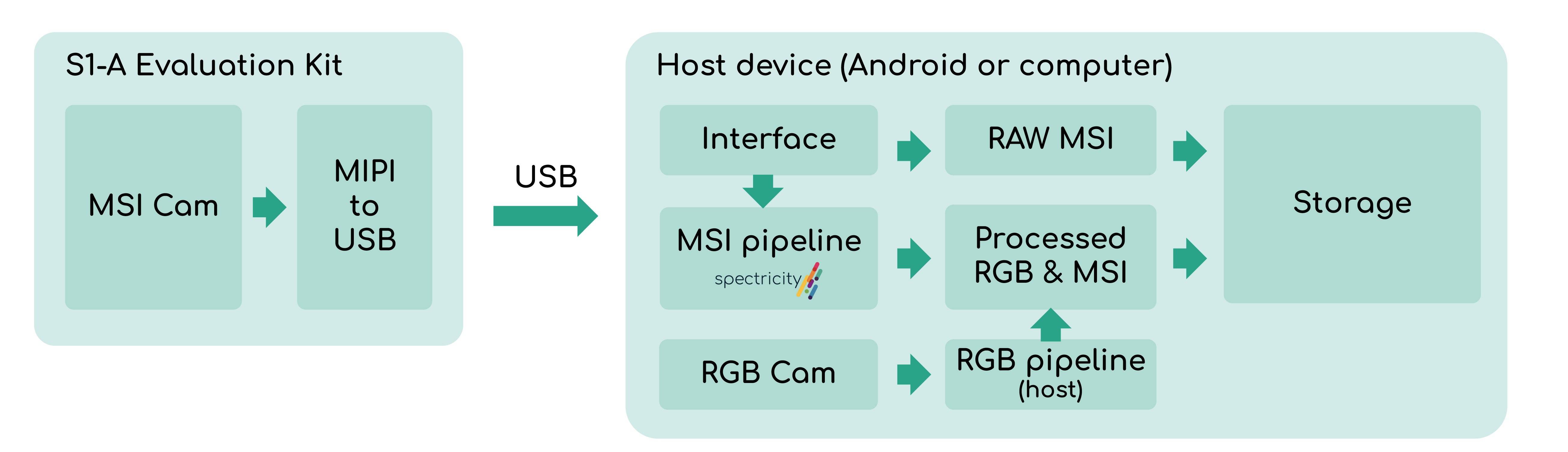
S1-A sends RAW multispectral images to an Android device or computer via USB for processing. On Android, the capture app can also capture RGB images and save the results.

S1-A sends RAW multispectral images to an Android device or computer via USB for processing. On Android, the capture app can also capture RGB images and save the results.

Multispectral Image Processing Pipeline

Spectricity’s imaging pipeline converts RAW sensor data into corrected multispectral images, with optional conversion to RGB.

Spectricity’s imaging pipeline converts RAW sensor data into corrected multispectral images, with optional conversion to RGB.

Data Outputs
Data Outputs

The S1-A datapath provides three output types, supporting different stages of multispectral data processing, analysis and visualization.

The S1-A datapath provides three output types, supporting different stages of multispectral data processing, analysis and visualization.

  • Raw Data: Direct output from the S1 sensor before image processing or correction.
    • Standard mode: 2624 × 1992, uint16
    • HDR mode: One 2624 × 1992 uint16 frame per HDR level
  • Corrected Data: Corrected 15-channel multispectral data intended for analysis and end-application development.
    • Standard mode: 864 × 648 x 15, uint16
    • HDR mode: 864 × 648 x 15 uint32
  • Recolored Data: Display-ready RGBA data generated from the corrected multispectral data for on-screen visualization.
    • Standard mode: 864 × 648 × 4, RGBA, uint8
    • HDR mode: 864 × 648 × 4, RGBA, uint8
  • Raw Data: Direct output from the S1 sensor before image processing or correction.
    • Standard mode: 2624 × 1992, uint16
    • HDR mode: One 2624 × 1992 uint16 frame per HDR level
  • Corrected Data: Corrected 15-channel multispectral data intended for analysis and end-application development.
    • Standard mode: 864 × 648 x 15, uint16
    • HDR mode: 864 × 648 x 15 uint32
  • Recolored Data: Display-ready RGBA data generated from the corrected multispectral data for on-screen visualization.
    • Standard mode: 864 × 648 × 4, RGBA, uint8
    • HDR mode: 864 × 648 × 4, RGBA, uint8
PoC Applications
PoC Applications

Spectricity has developed proof-of-concept applications built on the. Two applications are currently available on the Xiaomi Pad 8 Pro: Automatic White Balancing (AWB) and Biomarkers.

Spectricity has developed proof-of-concept applications built on the. Two applications are currently available on the Xiaomi Pad 8 Pro: Automatic White Balancing (AWB) and Biomarkers.

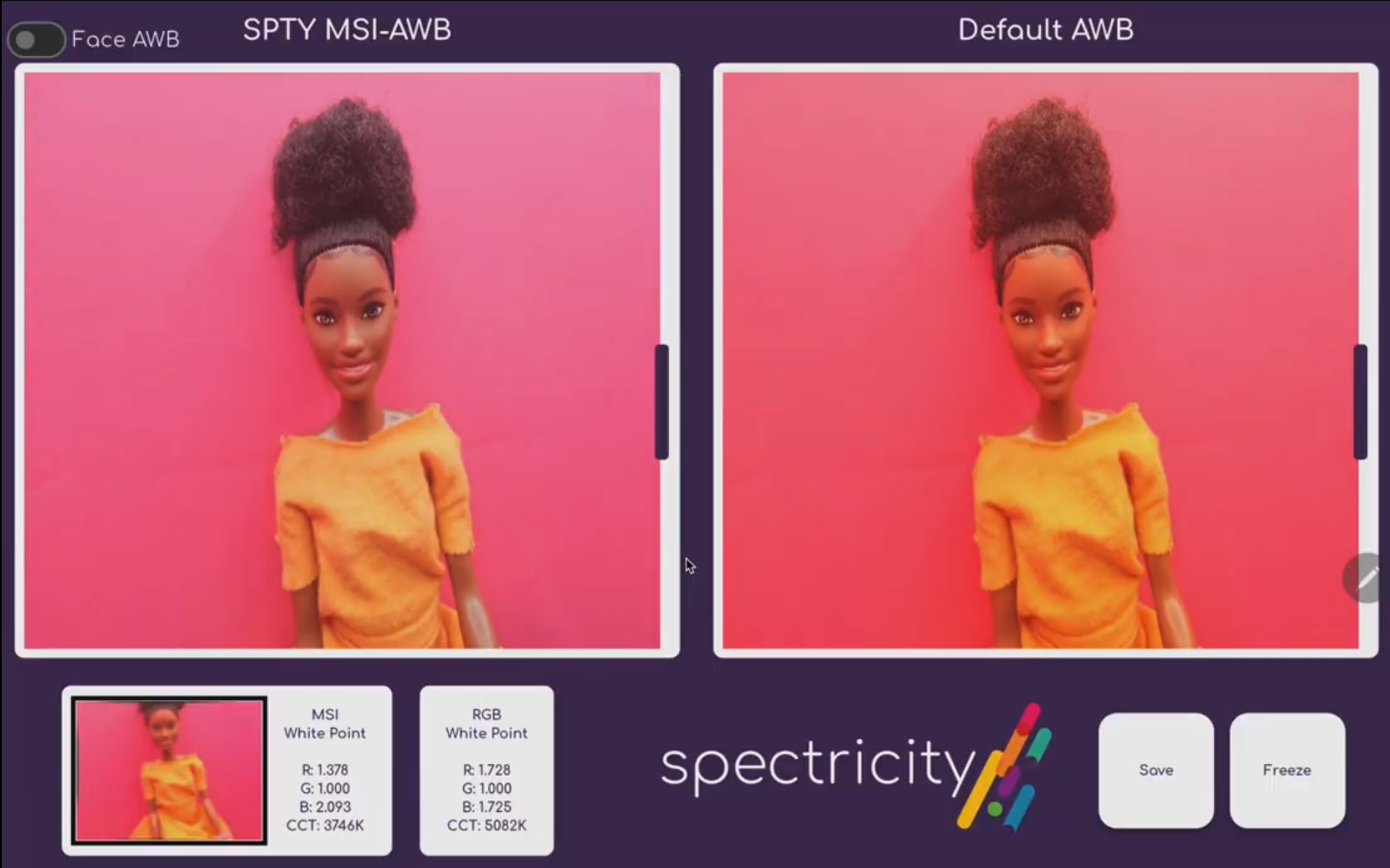
  • Auto White Balancing: This PoC app uses a deep learning network to automatically detect a scene’s white point from an S1-M image and apply it to the Xiaomi Pad 8 Pro’s rear RGB camera feed. The interface displays the MSI-based AWB result alongside the tablet’s default RGB pipeline, together with the white-point values estimated from the MSI and RGB data, enabling direct comparison of the resulting color correction.
  • Auto White Balancing: This PoC app uses a deep learning network to automatically detect a scene’s white point from an S1-M image and apply it to the Xiaomi Pad 8 Pro’s rear RGB camera feed. The interface displays the MSI-based AWB result alongside the tablet’s default RGB pipeline, together with the white-point values estimated from the MSI and RGB data, enabling direct comparison of the resulting color correction.
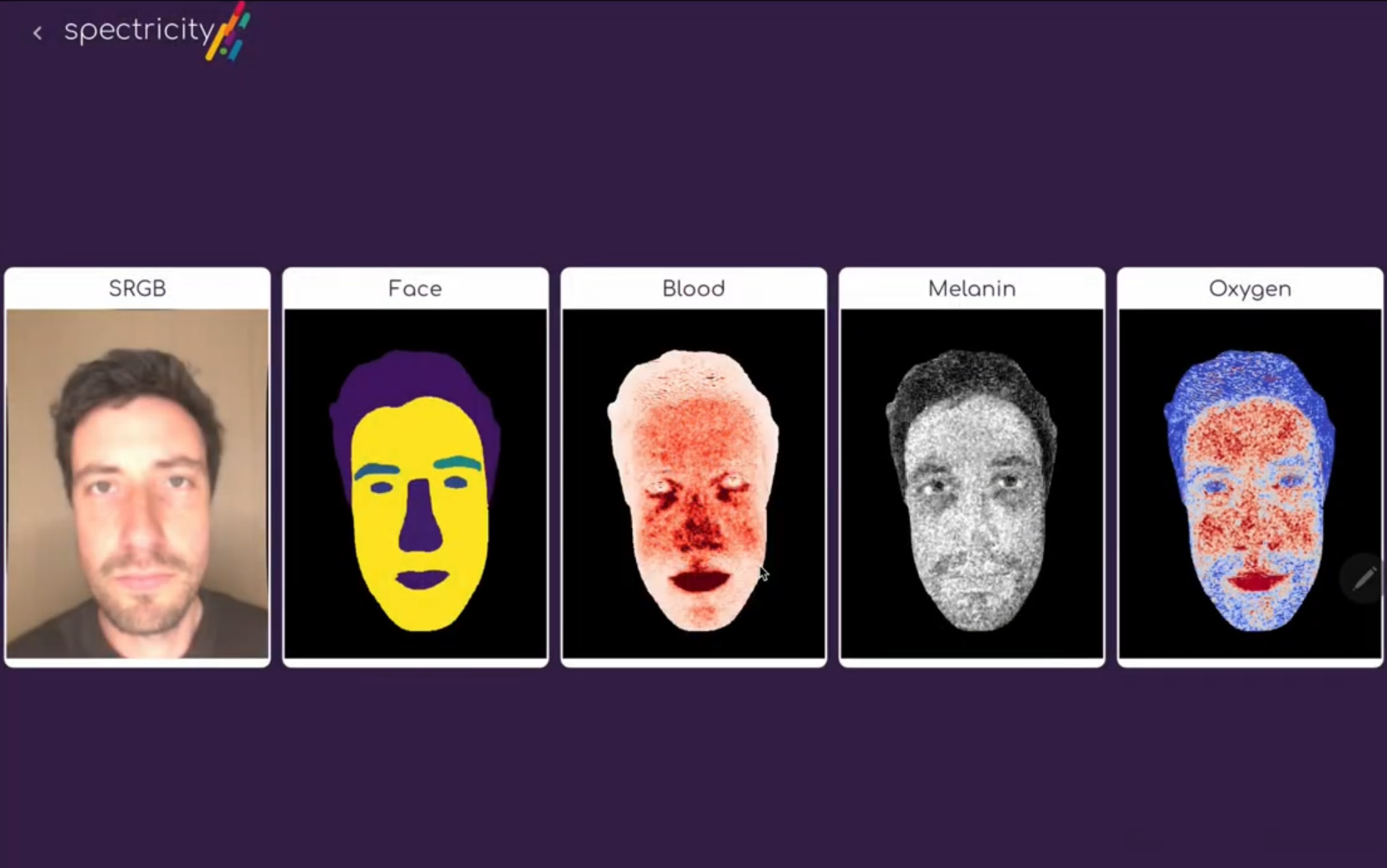
  • Skin Biomarker Analysis: This PoC app uses biomarker models to extract melanin, blood volume and skin oxygenation from an S1-M image. After identifying the facial region, it processes pixel-level spectral data to generate spatial maps for each biomarker. The interface presents the sRGB image, face mask, blood, melanin and oxygenation maps side by side, enabling direct visualization of their distribution across the face.
    Required accessory: Calibrite ColorChecker Classic (sold separately)
  • Skin Biomarker Analysis: This PoC app uses biomarker models to extract melanin, blood volume and skin oxygenation from an S1-M image. After identifying the facial region, it processes pixel-level spectral data to generate spatial maps for each biomarker. The interface presents the sRGB image, face mask, blood, melanin and oxygenation maps side by side, enabling direct visualization of their distribution across the face.
    Required accessory: Calibrite ColorChecker Classic (sold separately)
Development & Evaluation Setup
Computer-Based Development

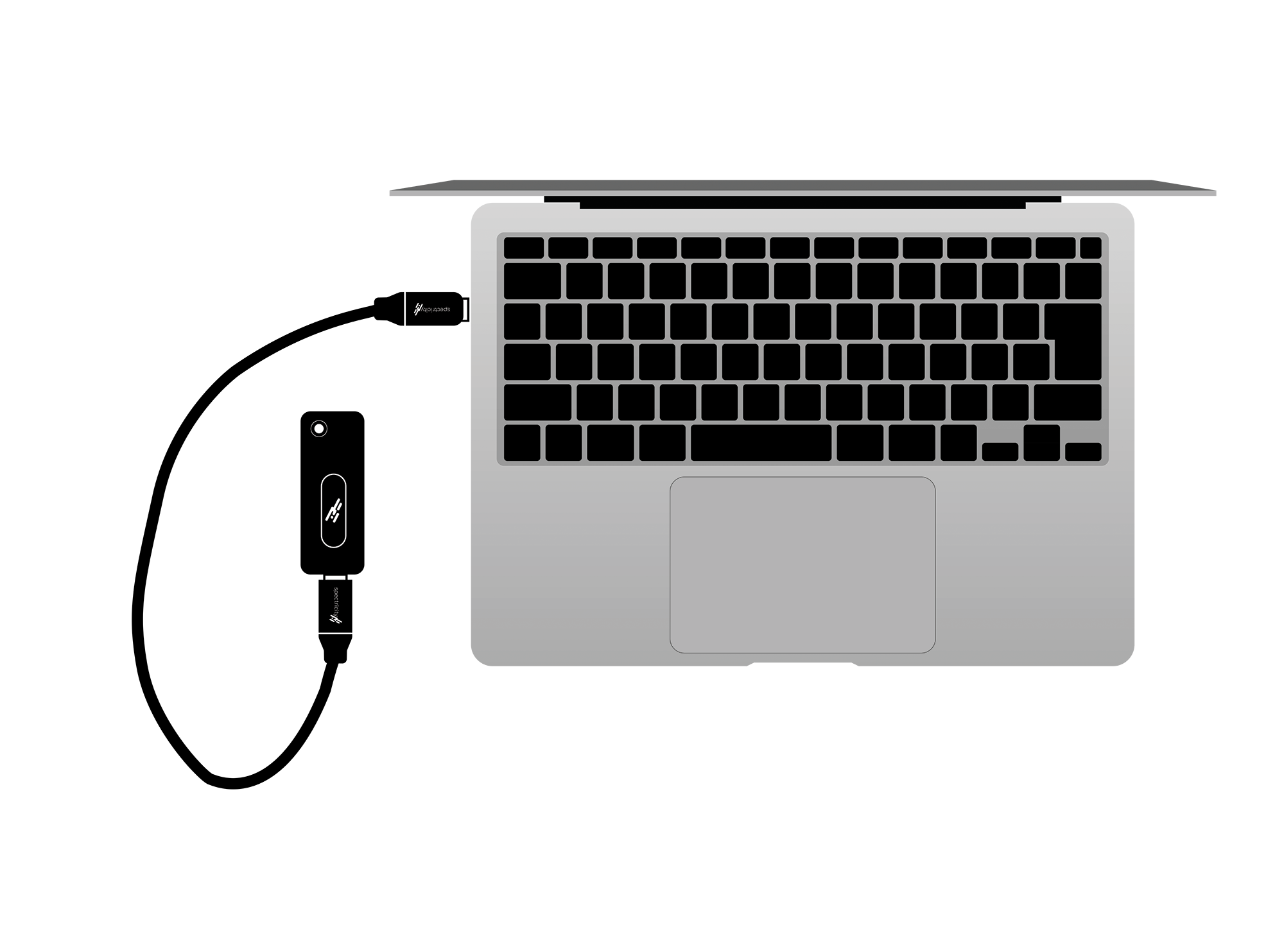
S1-A → USB-C → PC / MacBook → Capture App / Python SDK

Connect the S1-A to a PC or MacBook and use the Capture App for easy image acquisition and analysis. Automate the data capture and develop new applications with the Python SDK.

Computer-Based Development

S1-A → USB-C → PC / MacBook → Capture App / Python SDK

Connect the S1-A to a PC or MacBook and use the Capture App for easy image acquisition and analysis. Automate the data capture and develop new applications with the Python SDK.

Mobile Evaluation

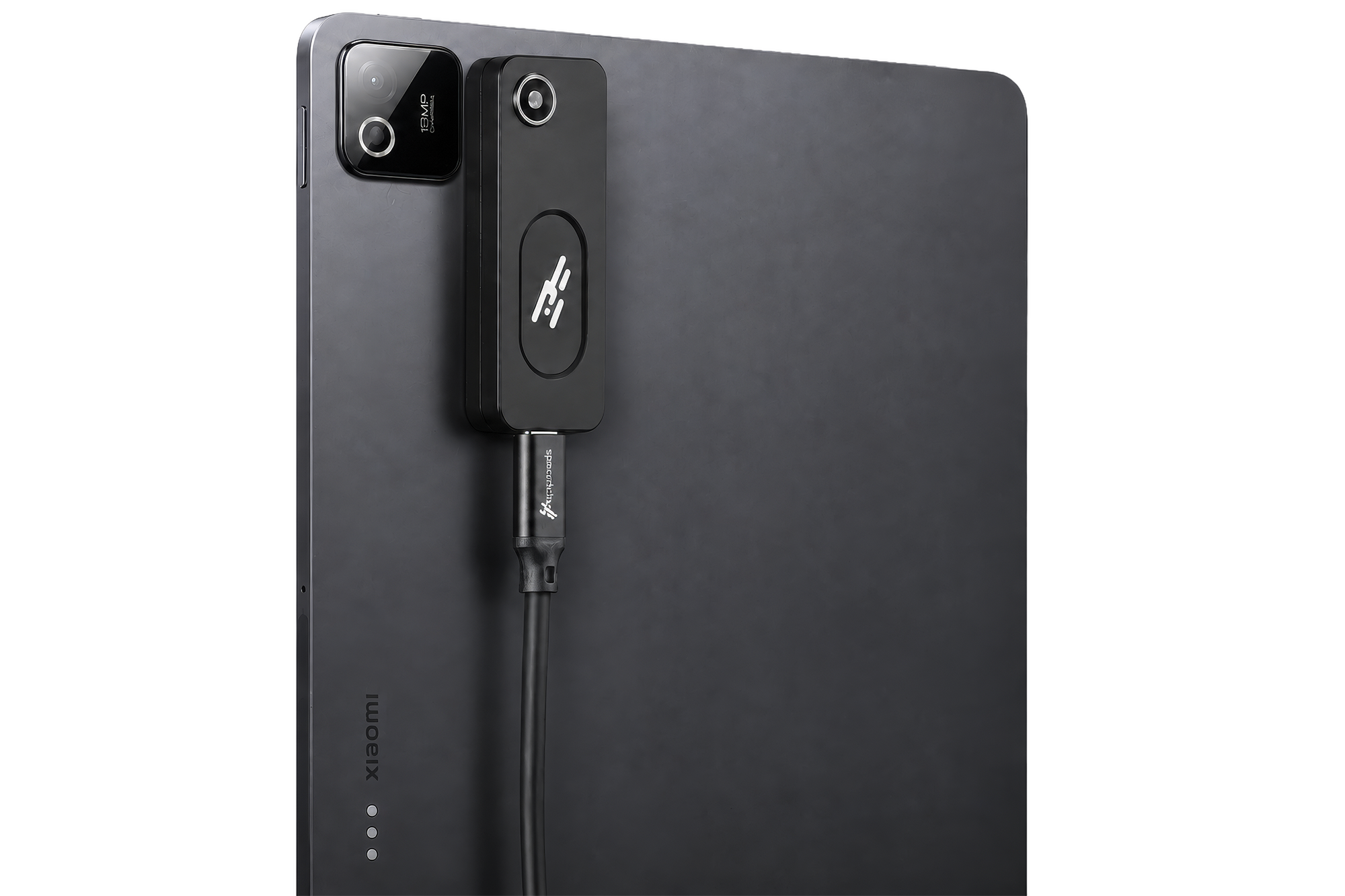
S1-A → USB-C → Android Tablet → Capture App / Android SDK / Demo Apps

Connect S1-A to a compatible Android tablet for portable image capture, multispectral evaluation, and develop your own application with Android SDK.

Mobile Evaluation

S1-A → USB-C → Android Tablet → Capture App / Android SDK / Demo Apps

Connect S1-A to a compatible Android tablet for portable image capture, multispectral evaluation, and develop your own application with Android SDK.

Technical Specifications

Key optical and mechanical specifications are summarized below, followed by the center wavelength and bandwidth of each spectral channel.

Key optical and mechanical specifications are summarized below, followed by the center wavelength and bandwidth of each spectral channel.

Parameter
Specifications

Optical

 Spectral range

400 - 700 nm

 Number of channels

15

 Spatial resolution

864 x 648 pixels

 Max frame rate

14 FPS (limited by USB interface)

 FoV

82.5°

 F-number

2

Mechanical

 Accessory dimensions

W25 x L70 x H14 (mm)

 Camera dimensions

W6 x L6 x H5 (mm)

 Connection

USB-C

Complicance & Protection


CE marking

CE marked

Ingress protection rating

IP54

Parameter
Specifications

Optical

Spectral range

400 - 700 nm

Number of channels

15

Spatial resolution

864 x 648 pixels

Max frame rate

14 FPS (limited by USB interface)

FoV

82.5°

F-number

2

Mechanical

Accessory dimensions

W25 x L70 x H14 (mm)

Camera dimensions

W6 x L6 x H5 (mm)

Connection

USB-C

Compliance & Protection


CE marking

CE marked

Ingress protection rating

IP54

Spectral Channel Characteristics
Channel Number

1

2

3

4

5

6

7

8

9

10

11

12

13

14

15 16
CWL (nm)

416

430

440

453

461

476

484

509

548

575

589

610

624

652

664

416

FWHM (nm)

29

25

19

19

25

24

37

32

54

50

39

61

60

58

37

29

Channel Number

1

2

3

4

5

6

7

8

CWL (nm)

416

430

440

453

461

476

484

509

FWHM (nm)

29

25

19

19

25

24

37

32


Channel Number

9

10

11

12

13

14

15

16

CWL (nm)

548

575

589

610

624

652

664

416

FWHM (nm)

54

50

39

61

60

58

37

29

CWL: Center Wavelength | FWHM: Full Width at Half Maximum

CWL: Center Wavelength | FWHM: Full Width at Half Maximum

Applications
Applications
Color Measurement

Explore area-based color inspection and measurement, including color-difference mapping, sample-to-sample comparison and customized measurement workflows.
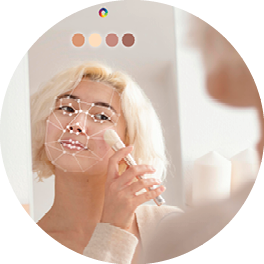
Skin & Beauty Analysis

Explore spectral approaches to skin biomarker assessment and personalized beauty applications.
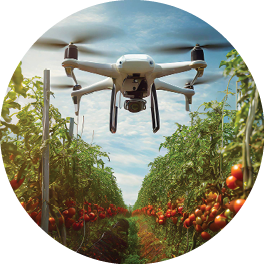
Food & Agriculture

Investigate spectral differences related to food quality, agricultural products and biological materials.
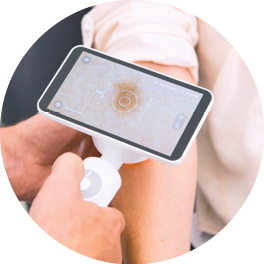
Medical & Wound Imaging

Explore spectral imaging for wound monitoring and the visualization of tissue biomarkers and bacterial fluorescence signals.
Computational Photography

Use spectral information to estimate scene illumination and improve automatic white balancing, including in complex multi-illuminant environments.

You may also like
You may also like